
Step-by-step referral guides
How to Register on Crypto Exchanges & Claim Referral Bonuses
Step-by-step registration guides for Binance, Bitget, MEXC, Coinbase, KuCoin, BitMart, and AsterDex. Use BearToBull's referral codes to unlock exclusive welcome bonuses — at no extra cost to you.
Binance
CPA_00KOGWIV8K
Up to 100 USDT
Bitget
LUCSPQZL
Up to 5,005 USDT
MEXC
CR9FtKud3mVtW
Up to 8,000 USDT
KuCoin
QBSDFQ2Q
Welcome bonus
New to Crypto? Start Here
Before registering on any exchange, make sure you understand the basics. These guides cover everything you need.
What Is Cryptocurrency? →
Complete beginner's guide to crypto
CEX vs DEX Explained →
Which type of exchange to use
Crypto Wallets Guide →
Hot wallets, cold wallets & security
Invest $100 in Crypto →
Your first crypto portfolio plan
Avoid Crypto Scams →
Protect your funds from day one
DCA Strategy Guide →
The safest beginner investment approach
Exchange Deep-Dive Guides
Step 0 — Get started
Open your Binance registration link
Referral code: CPA_00KOGWIV8K
Registration Steps
- 1
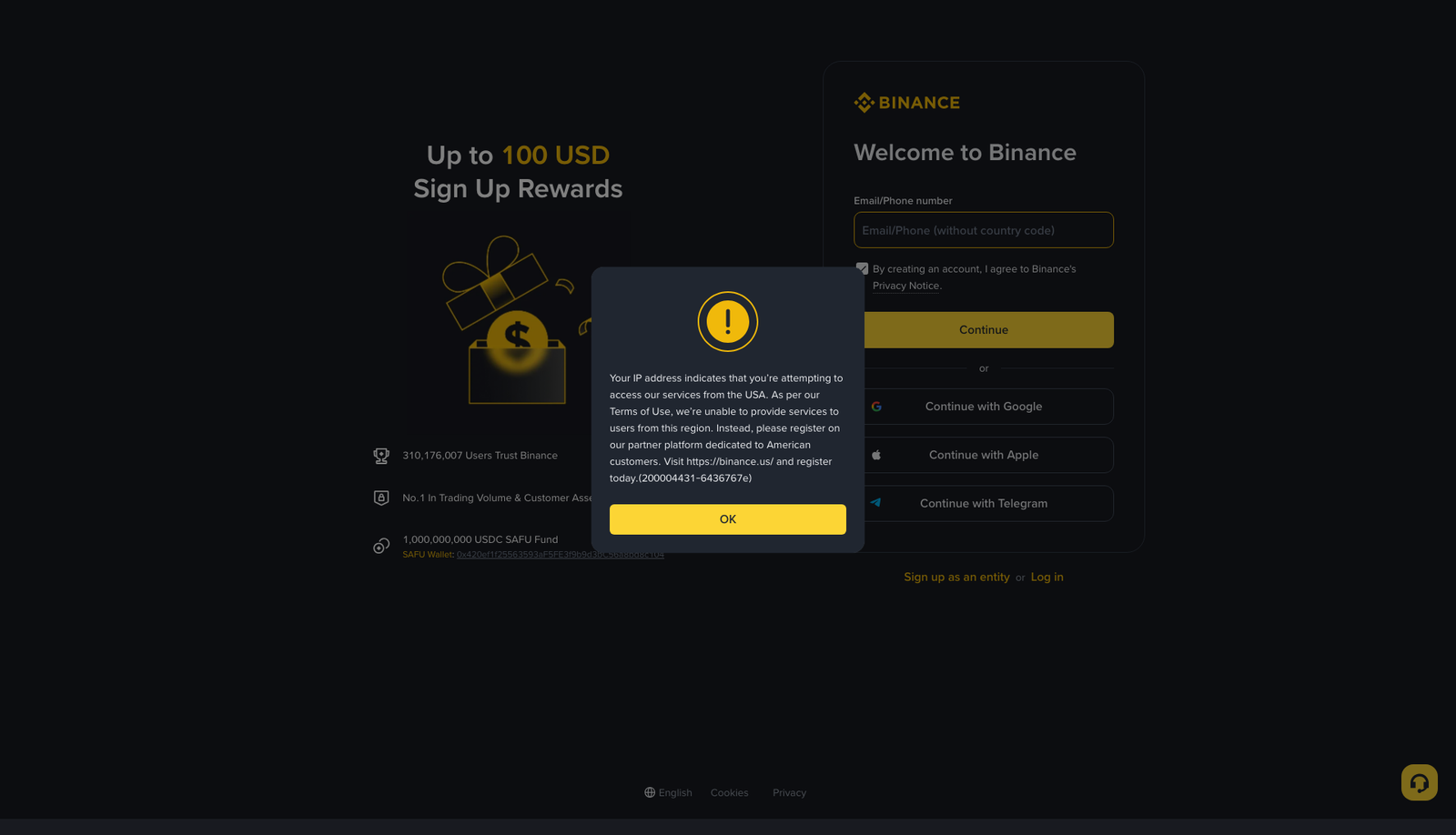
Click the registration link
Click the 'Register on Binance' button above. It will open the official Binance sign-up page with my referral code (CPA_00KOGWIV8K) automatically applied — no need to enter it manually.
- 2
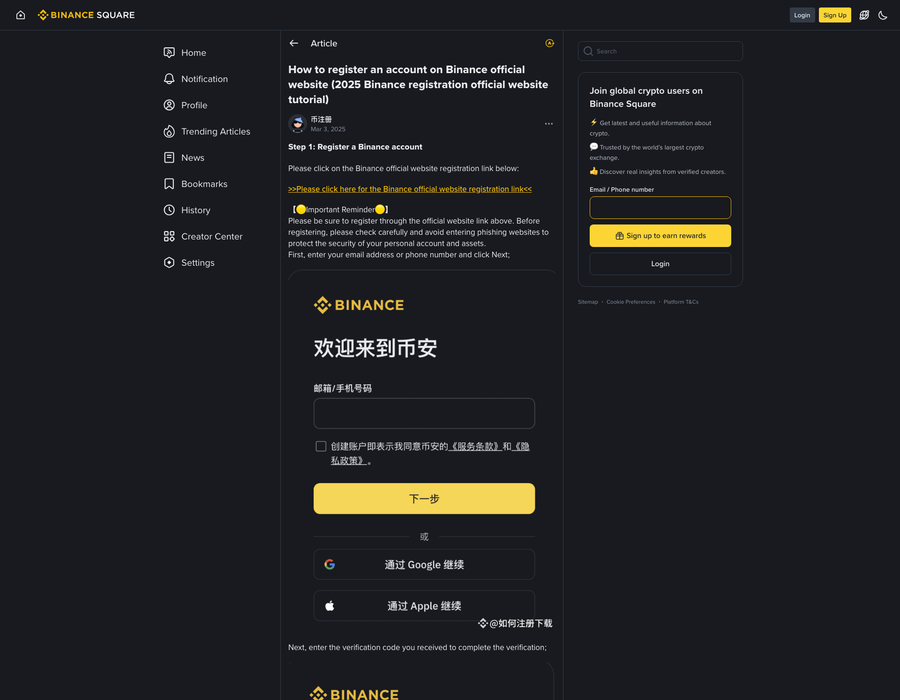
Enter your email and create a password
Type in your email address and set a strong password (at least 8 characters, mix of letters, numbers, and symbols). Make sure you use an email you have access to.
- 3
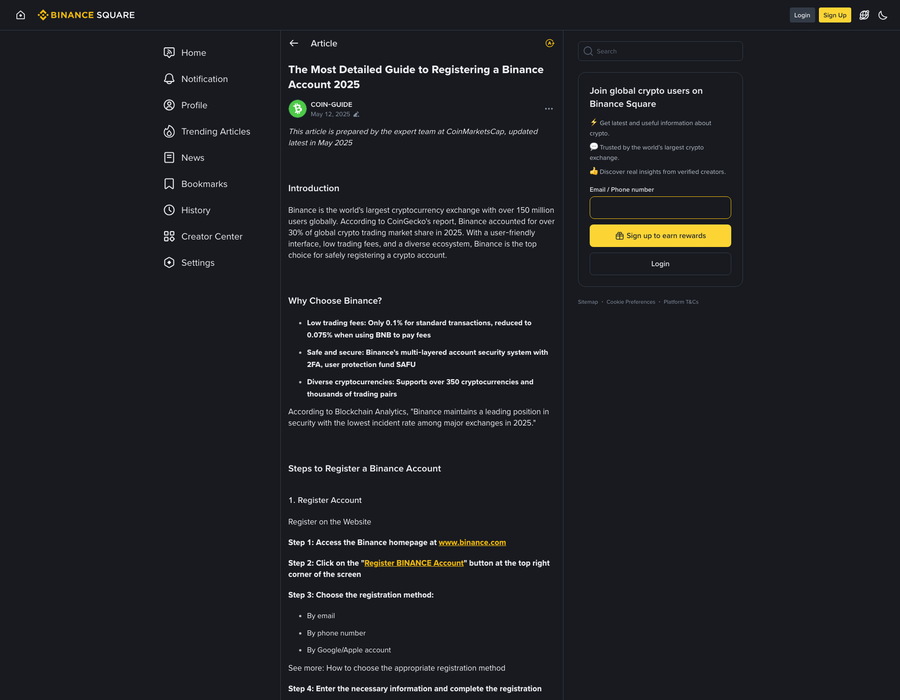
Verify your email address
Binance will send a 6-digit verification code to your email. Check your inbox (and spam folder if needed), copy the code, and paste it into the verification field on the page.
- 4
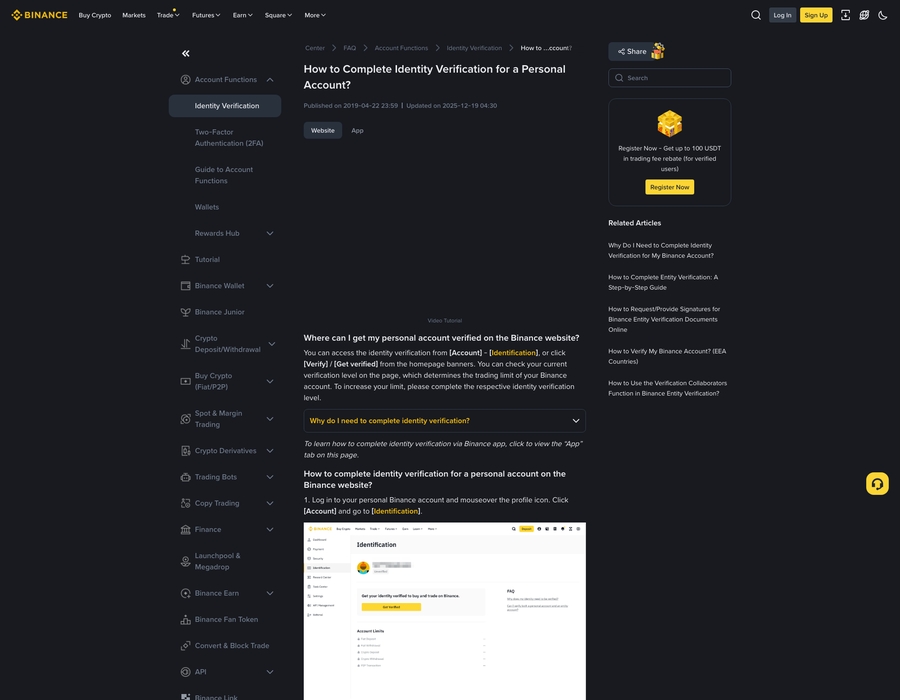
Complete identity verification (KYC)
Go to your profile → Identification → and submit a government-issued photo ID (passport or national ID). Binance requires KYC to unlock full trading limits. This usually takes a few minutes to 24 hours.
- 5
Enable Two-Factor Authentication (2FA)
Go to Security settings and enable Google Authenticator or the Binance Authenticator app. This protects your account from unauthorized access — never skip this step.
- 6
Deposit and start trading!
Navigate to Wallet → Deposit and choose a coin to deposit, or use the Buy Crypto feature to purchase crypto with a credit/debit card. You're all set!
KYC Identity Verification — Step by Step
KYC (Know Your Customer) is required by all regulated exchanges to verify your identity. Here is exactly what to do on Binance:
- 1
Go to Profile → Identification
Log in to Binance, click your profile icon in the top right, then select 'Identification' (also called Identity Verification).
- 2
Select your country / region
Choose your country from the dropdown. Hong Kong users should select 'Hong Kong, China'. This determines which documents are accepted.
- 3
Choose your document type
Binance accepts Passport, National ID, or Driver's License. For Hong Kong users, your HKID card is accepted. Select the document you have on hand.
- 4
Upload the front of your ID
Take a clear, well-lit photo of the front of your ID. Make sure all corners are visible, text is sharp, and there is no glare. Binance will reject blurry or cropped images.
- 5
Upload the back of your ID (if required)
For national ID cards, you will usually need to upload the back side as well. Passports typically only require the photo page.
- 6
Complete the liveness check (selfie)
Binance requires a real-time face scan. Follow the on-screen instructions — you will need to move your head slowly or blink as prompted. Make sure your face is well-lit and matches your ID photo.
- 7
Submit and wait for approval
After submission, Binance typically approves KYC within 5–30 minutes for most documents. During busy periods it can take up to 24 hours. You will receive an email notification when complete.
Troubleshooting — Common Problems & Fixes
❓ Verification email not received
✅ Check your spam/junk folder. If still missing, wait 2 minutes then click 'Resend Code'. Make sure you typed your email correctly. Gmail and Outlook users sometimes experience delays — try a different email provider if issues persist.
❓ KYC rejected — document not accepted
✅ Use a well-lit photo where all text is clearly readable. Avoid photos with shadows, glare, or cut-off edges. Make sure the ID is not expired. If using a phone, use the rear camera (higher quality) and tap to focus on the ID before shooting.
❓ Liveness check keeps failing
✅ Move to a brighter room with natural light. Remove glasses if wearing them. Keep your face centered in the frame and move slowly. If the camera is not detecting your face, try a different browser or the Binance mobile app.
❓ Referral code not applied
✅ Referral codes can only be applied during registration. If you already registered without a code, you cannot add it retroactively. Create a new account with a different email using the referral link.
❓ Deposit not showing in my account
✅ On-chain crypto transfers require network confirmations. Check the transaction status on the blockchain explorer for that coin. BTC requires ~3 confirmations (10-60 min), ETH/ERC-20 requires ~12 confirmations (2-5 min). Contact Binance support if it has been over 2 hours.
❓ Account locked or withdrawal suspended
✅ This usually happens after a password reset or suspicious login. Binance will send you a security email with unlock instructions. Wait 24 hours after a password change before withdrawals are enabled — this is a standard security feature, not an error.
Affiliate disclosure: If you register using the links above, I may earn a referral commission at no extra cost to you.
Frequently Asked Questions
What is the Binance referral code for 2026?▼
The Binance referral code for 2026 is CPA_00KOGWIV8K. Enter it during registration at binance.com to unlock a welcome bonus of up to 100 USDT.
What is the Bitget referral code for 2026?▼
The Bitget referral code for 2026 is LUCSPQZL. Use it at share.bitget.com to unlock up to 5,005 USDT in welcome rewards.
What is the MEXC referral code for 2026?▼
The MEXC referral code for 2026 is CR9FtKud3mVtW. Register at mexc.com to claim up to 8,000 USDT in bonuses and enjoy 0% spot maker fees.
What is the KuCoin referral code for 2026?▼
The KuCoin referral code for 2026 is QBSDFQ2Q. Register at kucoin.com/r/rf/QBSDFQ2Q to claim the welcome bonus and 20% fee discount with KCS.
Can I add a referral code after registration?▼
No. Referral codes on Binance, Bitget, MEXC, and KuCoin must be entered during the registration process. They cannot be added after your account is created.
Which crypto exchange is best for beginners in 2026?▼
For most beginners in 2026, Binance is the best overall choice due to its low fees, deep liquidity, and educational resources. Coinbase is the easiest for fiat deposits. Bitget is best for copy trading.